A Technical Guide to AI Legibility Audits for SaaS Sites
Learn how to run an AI legibility audit on your SaaS site. Fix SPA rendering, gated docs and structured data so AI crawlers can read your product and
AI Legibility Audit for SaaS Sites: A Technical Guide
Meta description: Learn how to run an AI legibility audit for a SaaS site: test single-page apps, fix JavaScript rendering, add accurate schema, open up documentation and measure ChatGPT citations.
A practical guide for UK SaaS teams covering single-page apps, gated documentation and structured data.
An AI legibility audit checks whether generative AI crawlers can fetch, render, parse and correctly understand your site. For most SaaS businesses, the biggest failures are client-side rendered pages, gated documentation and missing or inconsistent structured data. I have not run a controlled study showing that server-rendered pages are cited more often, so I will not claim one. The argument here is narrower and easier to defend: content that appears in the first HTML response, says plainly what the product does and is marked up accurately can be reached by crawlers with very different capabilities. That is a precondition for being quoted, not a guarantee of it. You can run a credible first-pass audit yourself in an afternoon, and a dedicated tool becomes worthwhile once you need repeatable checks tied to citation outcomes.
One caveat before we start: legibility improves eligibility. OpenAI's crawler documentation explains that its bots are controlled separately through robots.txt, but letting a crawler fetch a page does not mean ChatGPT will cite it. Everything below removes obstacles. The results still have to be measured. 🦉
What AI Crawlers Struggle With on SaaS Sites
Human readability and machine legibility are different properties. A polished single-page application can be effectively empty to a client that reads only the initial HTML response. Google's JavaScript SEO basics describe a crawl, queue, render sequence in which rendering may be delayed, and Google is among the best-resourced crawlers in the industry. Because capabilities differ by crawler, passing a Googlebot test does not establish that every AI crawler can see your page. Vendors rarely publish detailed rendering behaviour for their retrieval bots, so I treat the raw HTML response as a conservative implementation principle rather than a documented fact about any one bot. If the content is there on the first request, it does not matter which crawler arrives.
AI retrieval does not operate in isolation either. Several assistants draw on conventional search indexes, which is why this work belongs next to technical SEO and not in a separate silo. Generative engine optimization (GEO), sometimes called AI SEO, is really just another lens on fundamentals you already maintain.
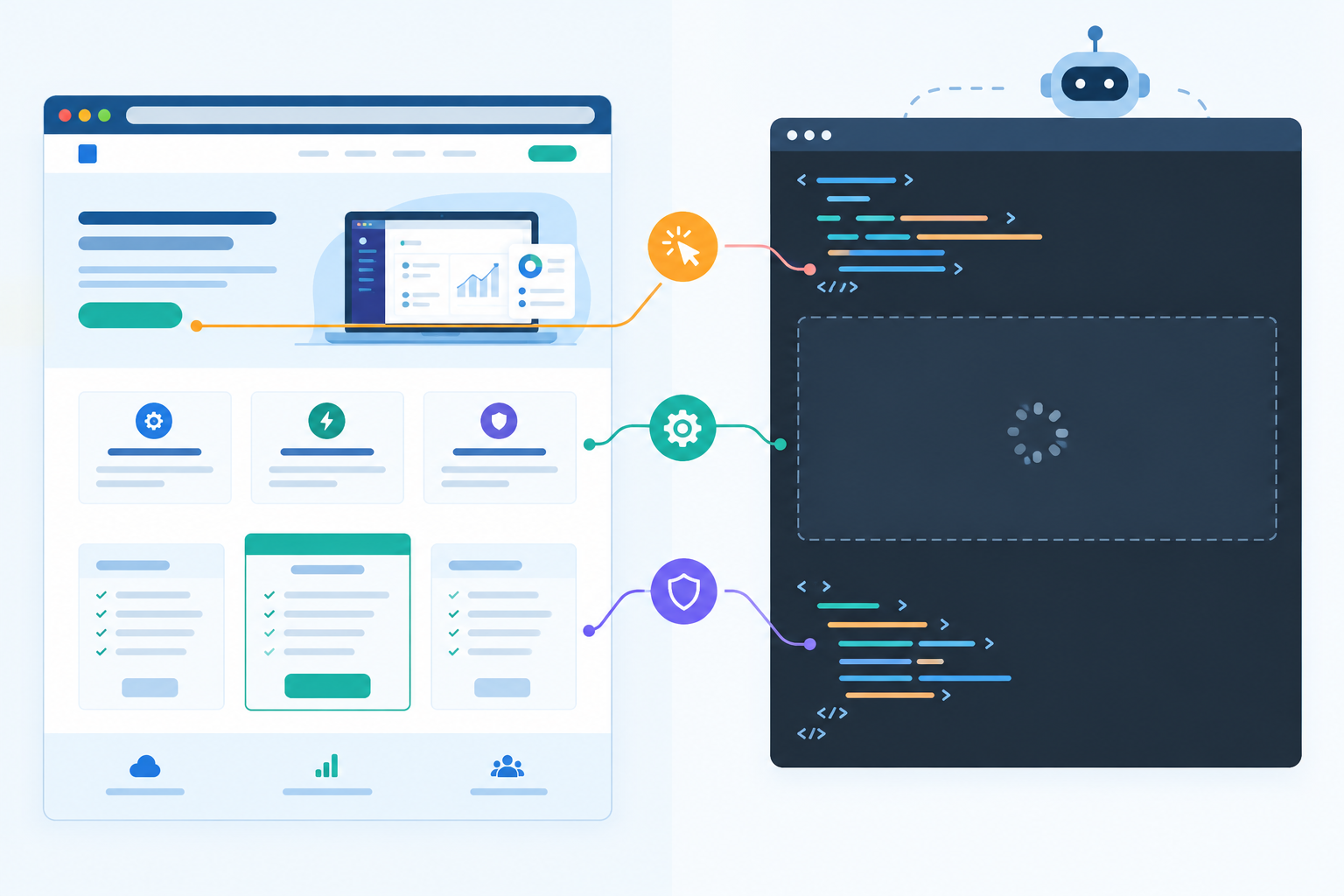
These are the problems I see again and again on SaaS sites:
- Client-side rendered content. Pricing, feature lists and positioning injected by JavaScript after an API call may never appear in the response. Google's guidance describes a near-identical case: a pricing page whose initial HTML holds only a generic call to action, with plan names and prices appearing after scripts run.
- Gated documentation. Your most detailed product explanations often sit behind a login, a cookie interaction or client-side navigation. Public help content meant to earn discovery needs stable, directly fetchable URLs that return the answer without an authenticated session.
- Consent banners and overlays. Under UK GDPR and PECR, most UK sites show a cookie banner. Check that your consent layer does not replace or block the page content in the HTML a non-browser client receives.
- Robots rules that exclude AI user agents. OpenAI distinguishes OAI-SearchBot (used to surface sites in ChatGPT search) from GPTBot (associated with potential model training). They are managed separately in robots.txt, so blocking one is not the same as blocking the other. Check also for rules covering ClaudeBot, PerplexityBot and Google-Extended, and for bot-protection layers that challenge non-browser user agents.
- Broad disallow rules on shared paths. If public docs, release notes or pricing share a path prefix with private app routes, a blanket disallow can hide useful public content.
- Content that never reaches the initial HTML. Text inside PDFs, videos without transcripts, tabs, accordions and modals frequently never appears in the first response.
- Ambiguous product language. A tagline such as 'the future of workflow' gives a model nothing quotable. Sentences that say what the product is, who it is for and what it costs are far easier to reuse accurately.
- Oversized pages. Google documents that Googlebot crawls the first 15 MB of a supported file, so keep important text and links early. That figure describes Google Search and should not be assumed to apply to AI crawlers, but it is a sensible habit anyway.
Does Your Single-Page App (SPA) Block AI Crawlers?
Often, partially. The shell loads but the critical content does not. This five-step test is how I establish which it is.
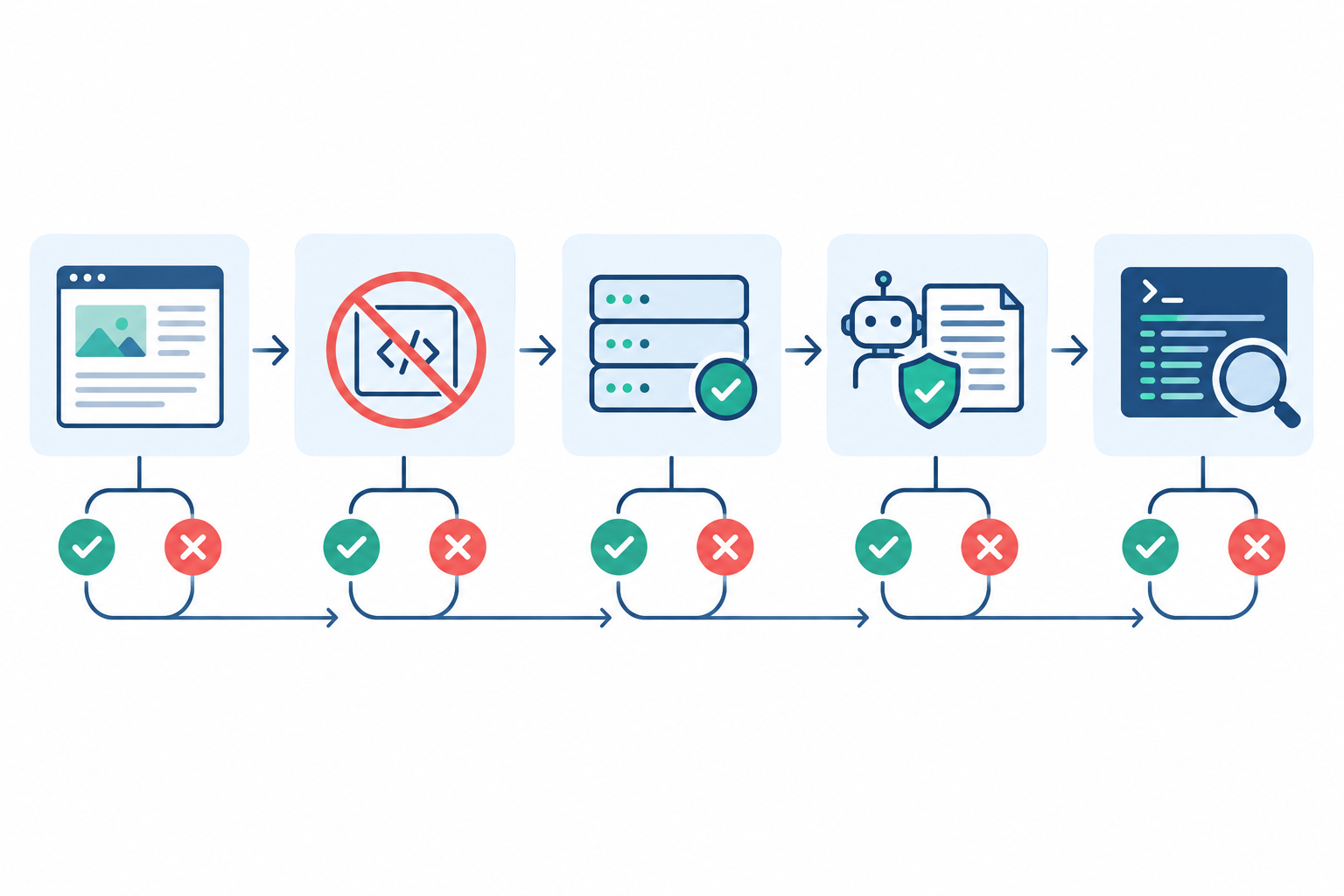
- Fetch the raw HTML. Run
curl -sS https://yoursite.com/pricing -o page.html(or use view-source) and compare the saved file with what you see in the browser. Look for the title, canonical URL, headings, body copy, links and any JSON-LD. - Disable JavaScript. In developer tools, turn off JavaScript and reload. Do your headline, pricing, feature list and calls to action remain visible? Anything that disappears is invisible to a client that does not run your bundle.
- Inspect the full response and any challenges. Use a GET request that saves both headers and body, for example
curl -sS -D headers.txt -o page.html -A "OAI-SearchBot" https://yoursite.com/pricing. Then readheaders.txtfor status codes and redirect chains, and openpage.htmlto see whether you received real content or a bot-protection challenge. A 403 or a JavaScript challenge page means the crawler never reaches your content. Savecurl -I(a HEAD request) for checking headers or how your server handles HEAD, because it returns no body. A spoofed user-agent string also does not reproduce the vendors' real crawlers, which come from published IP ranges, so confirm in your logs. - Review crawl directives. Read robots.txt, meta robots tags and X-Robots-Tag headers for each AI user agent you care about. Robots.txt is not an access-control mechanism, and private content needs authentication, not crawler directives.
- Check server logs. Search for the documented user agents and their status codes. Logs are the only step that confirms bots are actually reaching you rather than merely being permitted in theory.
How to Interpret Your AI Crawler Test Results
- An empty root div (for example
<div id="root"></div>) means the page has no citable substance in the first response. - A loading spinner is the same problem with a friendlier face. The content depends entirely on script execution and successful API calls.
- A skeleton shell with navigation and footer but no body copy is the most deceptive case. It looks populated in a scraper's output, yet the product facts are absent.
- Full body text, headings and JSON-LD in the raw response is a pass for that template.
Expect partial results. I rarely see a site that fails everything. More commonly the marketing homepage is server-rendered while pricing, integrations or docs templates are not, so audit by template and not by homepage alone.
A Worked Example: Auditing a SaaS Pricing Page
Take a fictional UK invoicing product, ExampleFlow. Its homepage passes, but /pricing returns an empty root div and a script that fetches plan data from an API. With JavaScript disabled the page shows only 'Loading plans…'. Robots.txt allows OAI-SearchBot, logs show 200 responses, and there is no JSON-LD. The result: fetchability passes, while rendering, structured data and content clarity all fail. The fix is to move the page to static generation with incremental regeneration, so that plan names, limits and £ prices appear in the HTML, and to add a validated Offer. After redeploying, the same curl command returns the plans in page.html, and the page moves from fail to pass on three of the four checks. The fourth, content clarity, needs a human rewrite of the plan descriptions, and no tooling can do that for you.
Fixing JavaScript-Heavy SaaS Pages for AI Access
Google describes dynamic rendering (serving a rendered version to bots) as a workaround rather than a recommended long-term solution, and recommends server-side rendering, static rendering or hydration. Hydration means the server sends finished HTML and JavaScript then attaches interactivity to it. That points us towards approaches that return crawlable HTML without a separate bot-specific system to maintain.
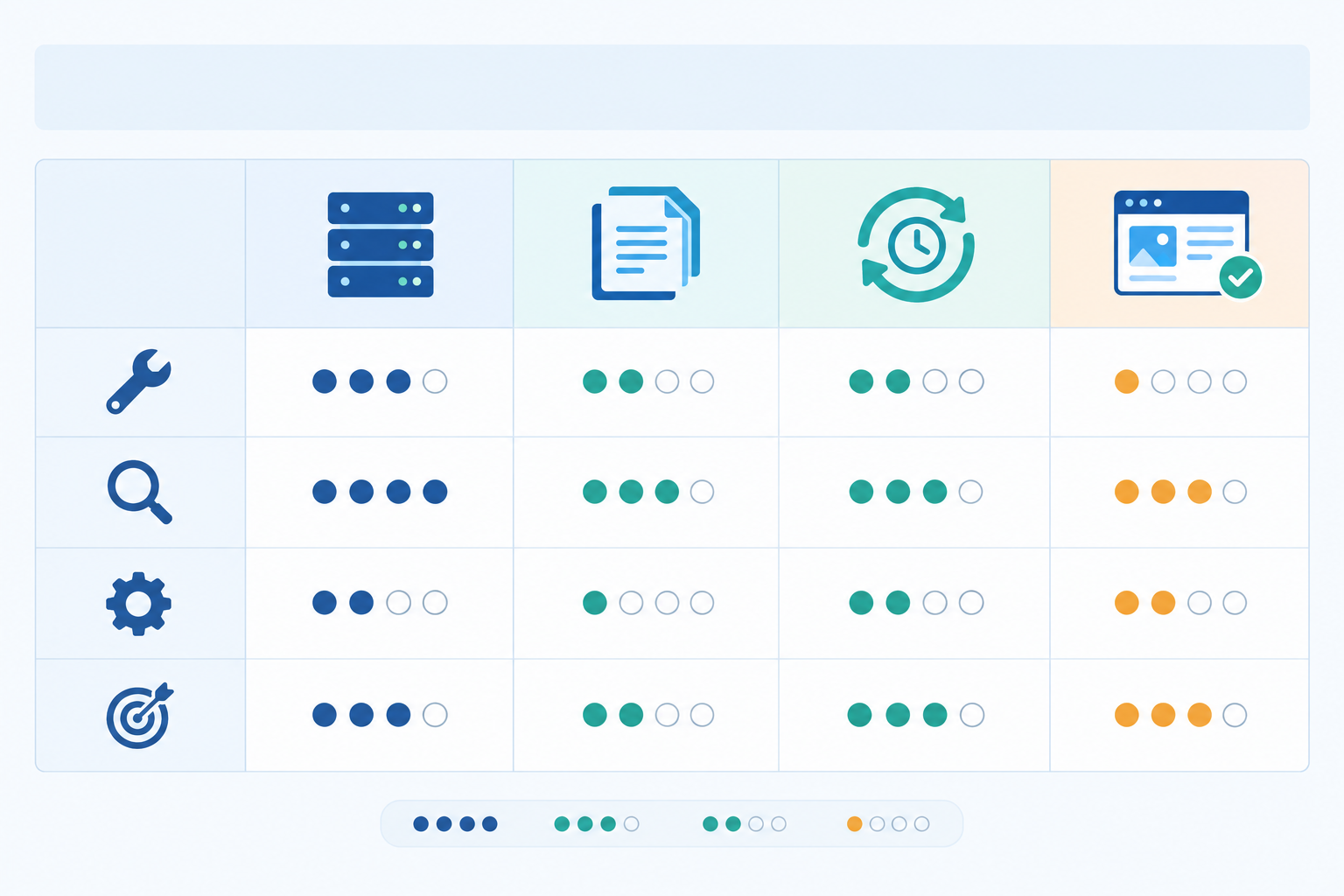
The ratings below describe typical outcomes when each approach is implemented correctly. Rendering, caching, bot handling and parity between bot and human content all need testing on your own stack.
| Approach | Implementation effort | Typical crawler visibility | Maintenance burden | Best suited to |
|---|---|---|---|---|
| Server-side rendering (SSR) | Medium to high | High: full HTML on every request | Medium: server capacity and caching | Dynamic public pages, personalised marketing content |
| Static site generation (SSG) | Low to medium | High: HTML built ahead of time | Low: rebuild on content change | Docs, blog, feature and comparison pages |
| Incremental static regeneration (ISR: static pages rebuilt on a schedule or on demand) | Medium | High: static HTML refreshed periodically | Low to medium | Pricing, changelogs, large doc sets |
| Pre-rendering service | Low | Medium to high, depends on service and bot detection | Medium: another vendor and cache to monitor | Legacy SPAs where a rebuild is not feasible |
| Hybrid (static shell plus client interactivity) | Medium | High if core content is in the HTML | Medium | Marketing pages with calculators or toggles |
None of these suits an authenticated app area, and it doesn't need to. My recommendation is to separate the public marketing and docs surface from the logged-in app, and make that public layer render fully on the server or at build time. The app behind the login can stay a client-side SPA.
Framework Options for Rendering Public SaaS Pages
- React: a plain client-rendered build is the problem case. Move public routes to a framework with server rendering, or pre-render them.
- Next.js: use server components, SSG or ISR for public pages, and avoid content that exists only after hydration, such as text populated in a
useEffectafter mount. - Vue: Nuxt has equivalent SSR and static generation options.
- Angular: its server-side rendering support lets you return populated HTML for public routes.
A pattern that holds up well is to render the product name, use case, feature descriptions, plan terms and links to related documentation in server-returned HTML, then use JavaScript only for interactivity. A documentation site can pre-render article text and navigation while keeping client-side search and interactive code samples.
Improve Page Performance and Rendering Stability
Crawlers can abandon slow or fragile pages. Keep heavy bundles off public templates, avoid lazy-loading the sections that carry your key claims, and watch for third-party scripts or consent overlays that block the content. Google's 'good' Core Web Vitals thresholds (LCP at or below 2.5 seconds, INP at or below 200 milliseconds, CLS at or below 0.1) are user-experience measures, not guarantees of AI crawling, but they give you measurable targets when trimming JavaScript. Google also reported in 2016 that 53% of mobile visits were abandoned when a page took longer than three seconds to load. It is an older benchmark, yet it reminds us that the same fixes help humans too.
Verification: re-test with raw HTML fetches after every deployment. A new release can quietly move a headline behind a client-side component, so build the curl check into your release checklist.
Structured Data for SaaS: Help AI Understand Your Product
I want to be candid about the evidence. Google recommends JSON-LD and says structured data helps it understand content, but valid markup does not guarantee a rich result, a ranking increase or inclusion in an AI-generated answer. Google also states in its AI features guidance that no special schema is required for AI Overviews or AI Mode. The effect of schema on citations in other engines has not been established, and anything I say about it is inference. So I treat structured data as a clarity signal that describes the visible page. It is not a citation lever, and it does not replace clear prose.
With that in mind, these are the elements worth implementing:
- Schema types that matter most for SaaS: Organization, SoftwareApplication, Product with Offer (where you publish pricing), FAQPage and Article where they match visible content, and BreadcrumbList for site hierarchy. Use SoftwareApplication only on pages that genuinely describe software. If you also sell direct to consumers, Product with Offer is the relevant pattern for your product pages.
- Essential properties: name, description, applicationCategory, operatingSystem, offers with price and
priceCurrency(GBP for UK audiences), and aggregateRating only where you have earned the reviews and can display them. - sameAs links: connect your brand to consistent profiles (LinkedIn, review platforms, directories) so systems can tell you apart from similarly named competitors.
- Stable identifiers: use
@idvalues to link the application to its publisher consistently across the site. - Entity consistency: keep product names, descriptions and pricing the same across your site, schema, review platforms and directories. Contradictions are how outdated or wrong claims get repeated. If you quote prices, state whether they include VAT, and make the markup agree with the page.
- Visible-content match: Google treats misleading or hidden structured data as a potential policy violation, so the JSON-LD must reflect what a visitor can actually see.
Here is a short SoftwareApplication example:
{
  "@context": "https://schema.org",
  "@type": "SoftwareApplication",
  "@id": "https://example.co.uk/#app",
  "name": "ExampleFlow",
  "description": "Invoice automation software for UK accountancy practices.",
  "applicationCategory": "BusinessApplication",
  "operatingSystem": "Web",
  "offers": {
    "@type": "Offer",
    "price": "29.00",
    "priceCurrency": "GBP"
  },
  "publisher": {
    "@type": "Organization",
    "name": "Example Ltd",
    "url": "https://example.co.uk",
    "sameAs": [
      "https://www.linkedin.com/company/example"
    ]
  }
}
For validation, run the page through Google's Rich Results Test or the Schema.org validator, then check by eye that every value matches the visible page. Validation is a technical check. It is not proof that your citations will improve.
Documentation Formatting Best Practices for AI Legibility
Documentation is often the richest source of specific product facts, which is exactly why gating it costs so much. A few practices make it extractable:
- Decide what to ungate. Public overviews, integration guides, API reference summaries and use-case pages are prime candidates for discovery. Keep genuinely private or customer-specific material behind authentication.
- Use clear heading hierarchies and one topic per page. Descriptive titles and a clean H1-H2-H3 structure let passages be lifted cleanly.
- Lead with direct answers. Put definitions, prerequisites and limits near the top of each page.
- Prefer HTML text and code blocks over screenshots, PDFs and embedded video. Where video is unavoidable, add a transcript.
- Provide stable URLs and a complete XML sitemap that includes your docs. You might also consider an llms.txt file, though adoption and effect remain unproven.
- Publish factual comparison and alternatives pages. Buyers ask AI assistants these questions directly, and if you do not state the comparison accurately, someone else will.
- Keep changelogs and pricing current. Stale pages are how outdated claims about you persist.
AI Legibility Audit vs Technical SEO Audit
The two audits share foundations, and an audit for AI visibility adds a lens to technical SEO without replacing it. Google's guidance for its AI features is explicitly to follow established Search fundamentals, and some assistants rely on conventional search infrastructure to find pages. The difference lies in who consumes the page and how success is judged.
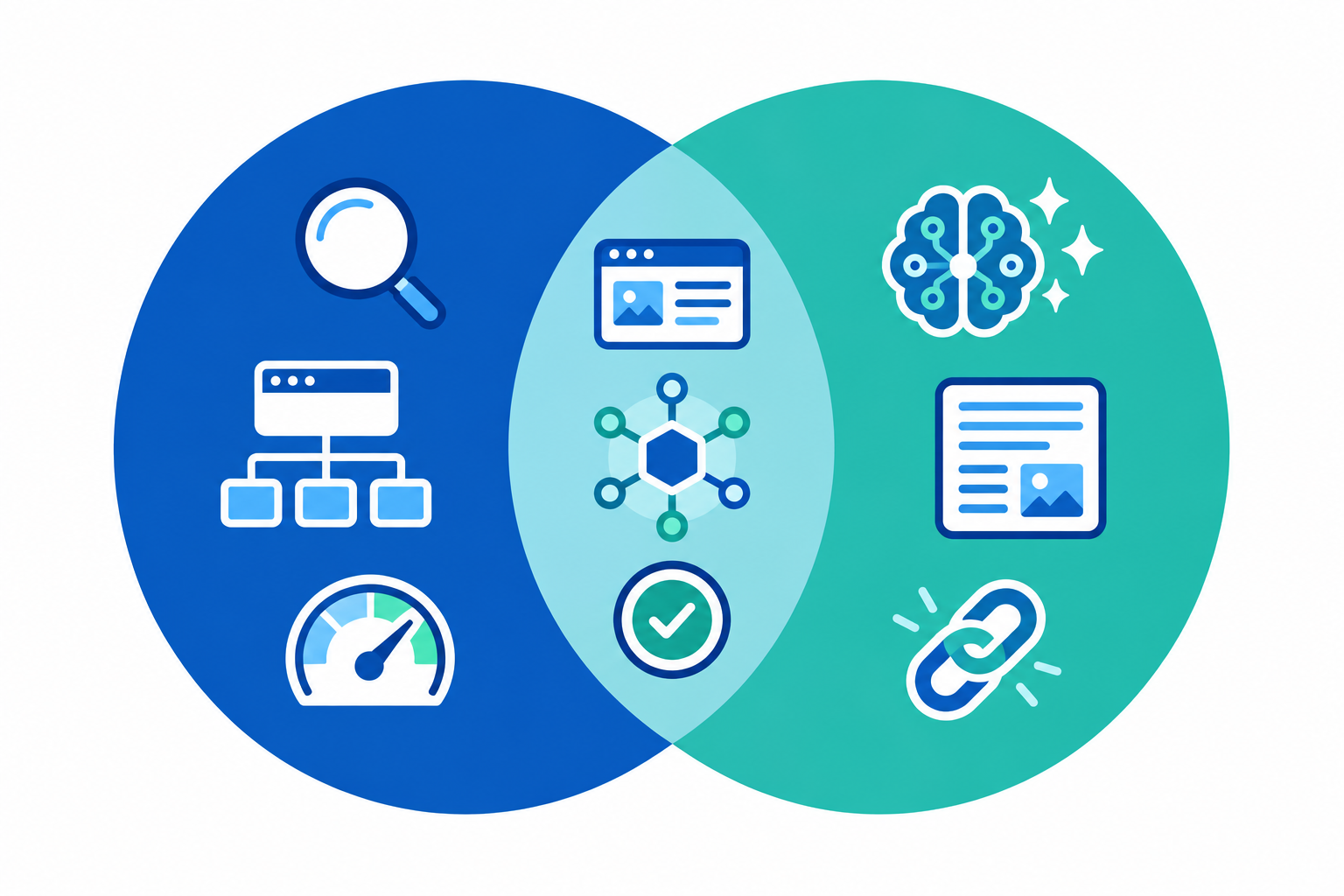
| Dimension | Technical SEO audit | AI legibility audit |
|---|---|---|
| Consumer | Ranking algorithms | Systems that retrieve, summarise and cite passages |
| Shared checks | Crawlability, indexation, canonicals, sitemaps, page speed, structured data | The same, plus how they affect passage retrieval |
| Distinct failure modes | Backlink gaps, keyword targeting, duplicate content | JavaScript rendering, blocking of AI user agents, entity ambiguity, unquotable copy |
| Success metrics | Rankings, clicks, organic sessions | Citations, share of voice, sentiment and accuracy in answers |
The shift in measurement is real, though the quality of evidence is mixed. The Pew Research Center's July 2025 analysis of U.S. browsing data found that users clicked a traditional result in 8% of visits when a Google AI summary appeared, compared with 15% without one, and clicked a link inside the summary in about 1% of visits. It is correlational and U.S.-based. Ahrefs' study of roughly 300,000 keywords associated AI Overviews with a 34.5% lower average click-through rate for the top organic result, again an association and not proof of cause. Gartner's February 2024 forecast of a 25% drop in traditional search volume by 2026 is a prediction, not a measured outcome. Put together, they suggest that clicks alone are an incomplete scorecard, and that citations and share of voice deserve a place beside rankings.
How to Run an AI Legibility Audit for Your SaaS Site
This section covers the technical checks: can systems reach, read and understand your pages? Outcome tracking comes in the next section. Here is the process I would follow for a first pass.
- Build a priority URL list: homepage, pricing, top feature pages, key docs, comparison pages and case studies. Ten to twenty URLs covering each template is enough.
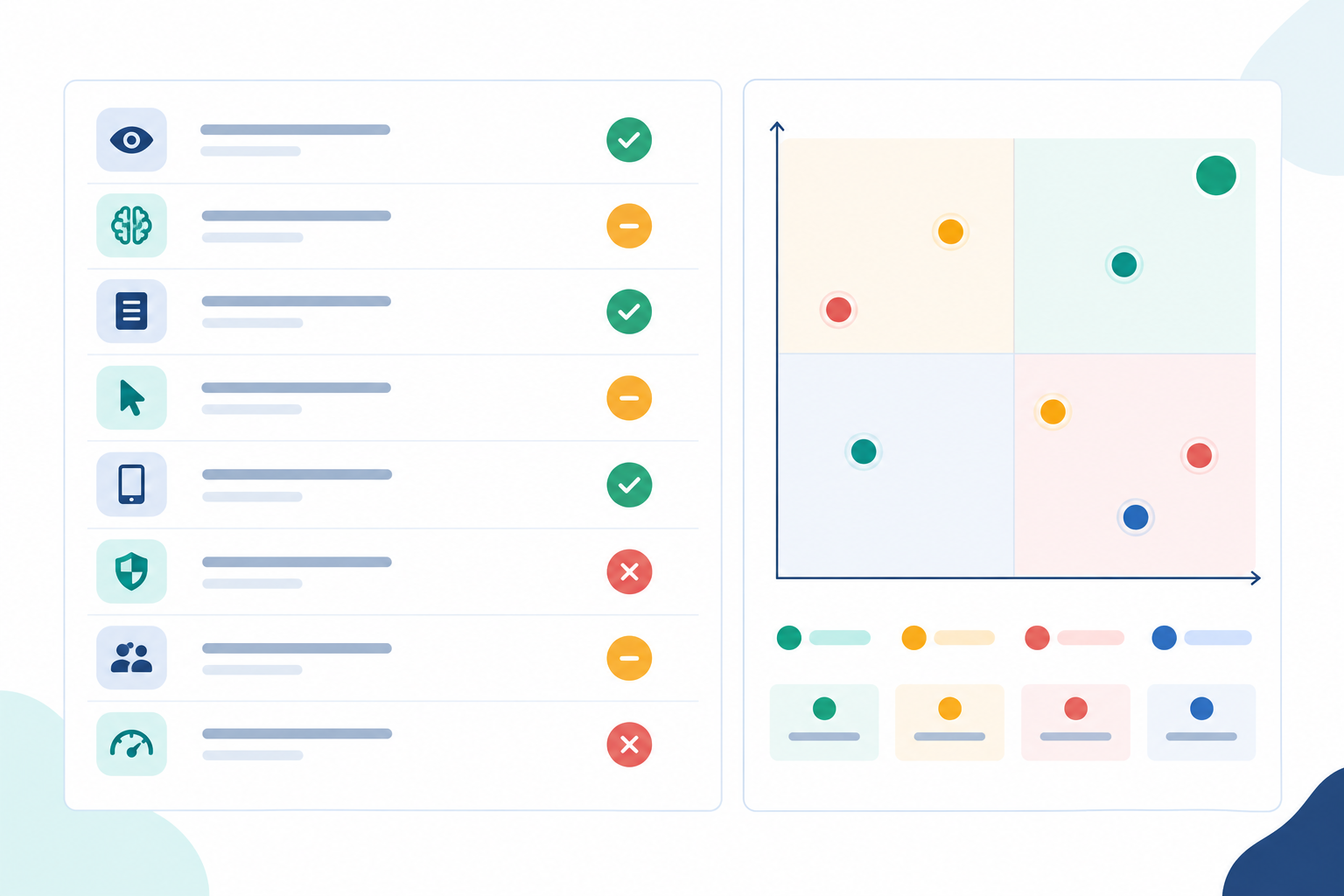
- Work through a checklist across eight categories: fetchability, rendering, bot access, metadata, structured data, content clarity, entity consistency and freshness.
- Score each URL as pass, partial or fail, as in the ExampleFlow pricing page above.
- Rank fixes by commercial impact and effort. A failing pricing page outranks a partial changelog every time.
- Choose your route. The manual route (curl, browser developer tools, schema validators and log analysis) suits small sites and one-off checks. Consider a tool when you need repeatability across many templates, when several people ship changes, or when you want checks tied to monitoring. Look for transparent check definitions, support for your rendering setup and exportable results. Disclosure: MentionOwl is the product our team builds, so treat it as one example. Its AI legibility audit runs 16 technical checks and can be re-run after releases.
- Set a re-audit cadence, monthly or after each major release.
An AI legibility audit improves your eligibility to be cited, but it does not guarantee recommendations. Content quality, third-party corroboration and the competitive landscape still decide who gets named.
Measuring Whether Your Site Earns ChatGPT Citations
Audit scores describe your site, not what the engines say about you, so outcomes need separate tracking. ChatGPT, Claude, Gemini, Copilot and Perplexity each retrieve and weigh sources differently, so monitoring several engines tells you more than relying on one. Bing Webmaster Tools' AI Performance report shows citations, cited pages and grounding queries (the search queries an assistant uses to find sources for an answer) for Microsoft's AI experiences. It is a good example of first-party citation data, though it covers only one ecosystem.
The method I recommend is a baseline-and-follow-up comparison:
- Record a baseline before you change anything: which queries mention you, which URLs are cited, your soft mentions (where your brand is described without a link) and which competitors appear.
- Hold variables constant. Keep the query set, geography (use UK-based, en-GB queries for a UK audience), language and schedule the same.
- Sample repeatedly. Answers vary between runs, so a single prompt proves very little, and repeated sampling is what separates signal from noise. Tools, including ours, can automate daily runs and combine coverage, citations and share of voice into a visibility score, but any such score is a sampled estimate, not a census of everything users see.
- Pair it with traffic evidence. Cookieless analytics can attribute some visits arriving from AI assistants, but referrer data is incomplete, so treat it as a lower bound.
- Wait. Recrawl and re-evaluation are not instant. I would allow several weeks before drawing conclusions, and longer for low-authority domains.
On expectations, the GEO research paper by Aggarwal et al. reported that certain optimisation methods improved source visibility in generative responses by up to 40% in its benchmark experiments. That is an experimental result under controlled conditions, not a forecast for your site. You will usually ship several changes at once, so avoid crediting any single fix for the movement.
Frequently Asked Questions About AI Legibility Audits
Does my single-page app block AI crawlers?
Often partially. If content is rendered client-side, a crawler that reads only the raw HTML may see an empty shell. Fetch your pages with curl or disable JavaScript. If your headline, pricing and features disappear, those public pages need server-side rendering or pre-rendering. See the five-step test above.
What structured data matters most for SaaS products?
Start with Organization and SoftwareApplication, add Product with Offer where you publish pricing, and use FAQPage and BreadcrumbList where they match visible content. Keep every value consistent with the page. Schema helps with clarity but is not a proven route to citations.
How is an AI legibility audit different from a technical SEO audit?
They share foundations such as crawlability and structured data. A legibility audit puts more weight on rendering, AI user-agent access, entity clarity and quotable content, and it judges success by citations and mentions as well as rankings.
Can I audit this myself or do I need a tool?
You can complete a solid first pass yourself with curl, browser developer tools, a schema validator and your server logs. A tool becomes useful for repeatable checks across many pages and for connecting fixes to changes in AI visibility.
Should I allow AI bots in robots.txt?
That depends on your goals. If you want to appear in AI search results, blocking a vendor's retrieval bot works against you. Read each vendor's documentation, decide deliberately between training and retrieval access (for example OAI-SearchBot versus GPTBot), and write down the reasoning for your team.
Sources and Further Reading
- OpenAI: crawler overview and user agents
- Google: JavaScript SEO basics
- Google: dynamic rendering as a workaround
- Google: Googlebot and file size limits
- Google: introduction to structured data
- Google: AI features and your website
- web.dev: Core Web Vitals
- Think with Google: mobile page speed benchmarks (2016)
- Pew Research Center: Google users and AI summaries (July 2025)
- Ahrefs: AI Overviews and click-through rate
- Gartner: search engine volume forecast (February 2024)
- Aggarwal et al.: GEO, Generative Engine Optimization
- Schema.org: SoftwareApplication